You know that feeling when you open a note app, see the gray toolbar and the neat little grid, and quietly close it again? Nothing is wrong with it. It's just that nothing about it asks you to write.
Most note apps are designed by and for people who think of notes as productivity. If you think of yours as a diary, a scrapbook, a soft place to put your day, those apps will always feel slightly off. The good news is that "cute" is a real category with real options. Here are the ones worth your time.
CanJournals
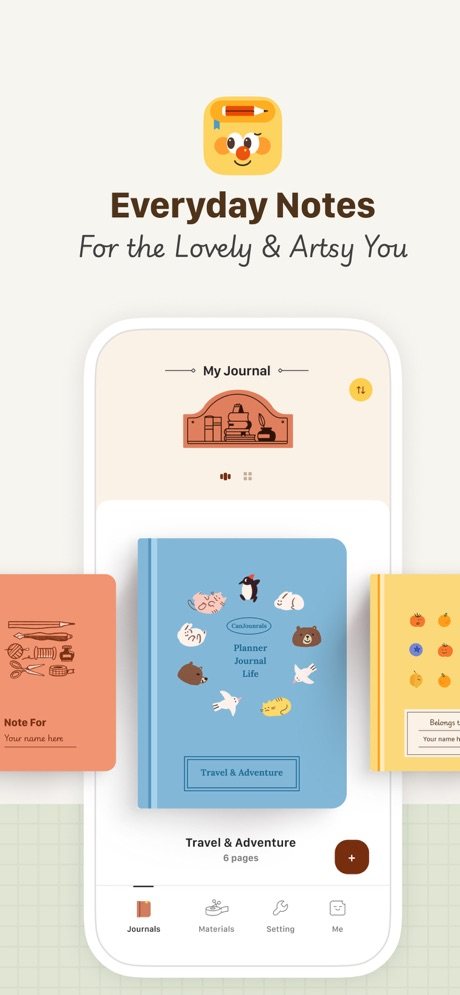
CanJournals sits in an unusual spot: it's a proper journal app that happens to have a block editor, rather than a productivity app wearing a cute skin.
The visual side goes warm all the way down. Rounded corners, soft hand-drawn style icons, warm color schemes. Opening it feels closer to opening a paper journal than opening a database, which is exactly the point.
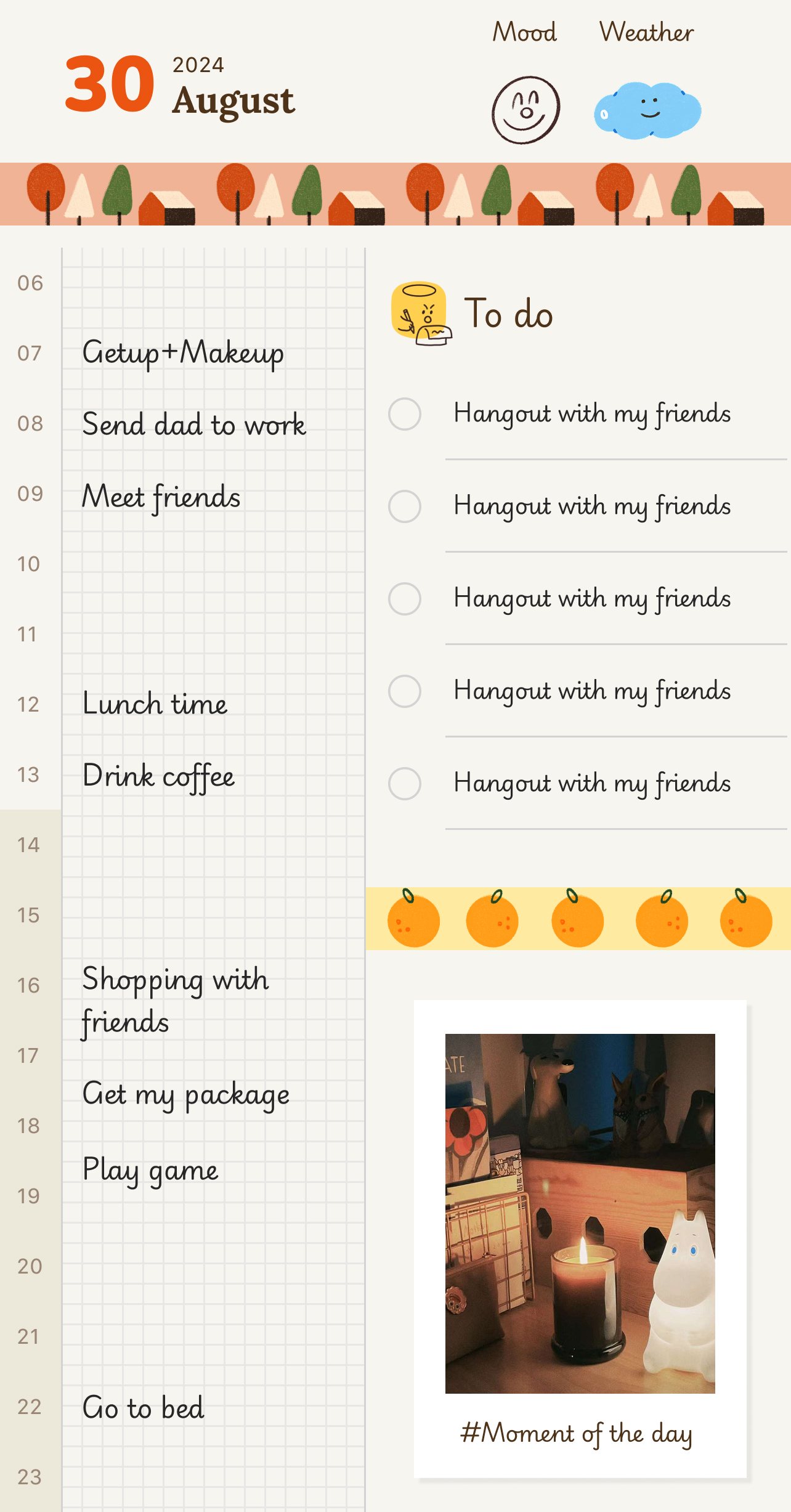
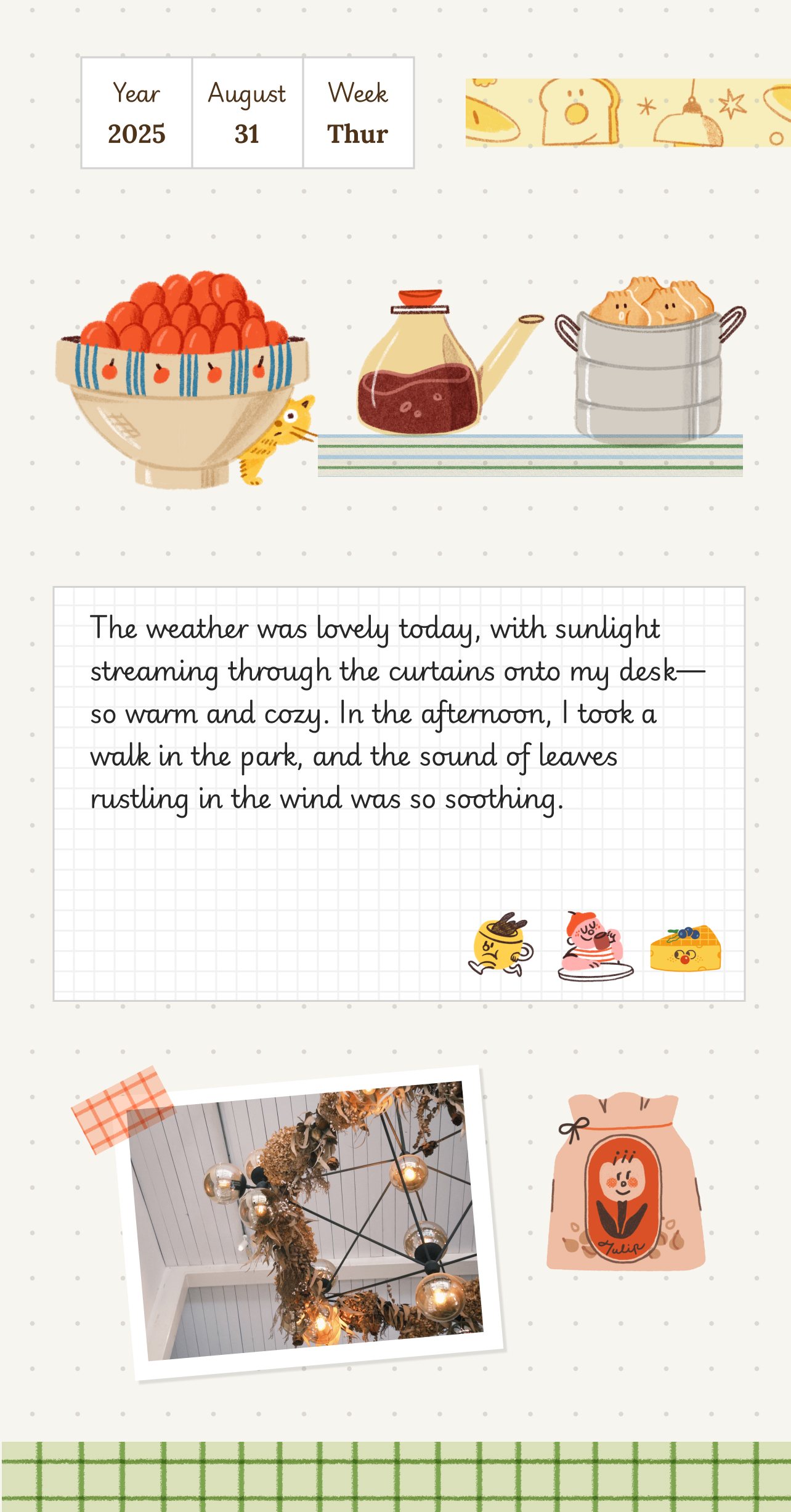
Underneath, it works like Notion: every paragraph, list, image, and divider is a block you can drag and reorder. You get the flexibility without the office-lighting aesthetic. The template center is strong too, with diary layouts, planners, and reading logs you can start writing in immediately, no design work required. If you use an iPad with a stylus, you can mix typing and handwriting on the same page, which is rare and, honestly, kind of delightful.
For people who want their notes to feel like a journal, this is the most complete option I know.
GoodNotes
GoodNotes is a handwriting app first, and it earns its place here through stationery. The paper backgrounds, the notebook covers, the washi tape and stickers: this is the app that most feels like owning a nice pencil case.
With an Apple Pencil it's genuinely pleasant to write in. Pair a weekly template with a highlighter and you've made yourself a proper techo-style spread. If your handwriting is tidy, it will look better on the page than it does in real life, and I mean that as a compliment to the ink engine.
The honest downside: it's iPad-first. On a phone, where most quick daily notes happen, the experience shrinks to a compromise. GoodNotes is the right second home for your weekend journaling, and the wrong only home for everyday capture.
Day One, softened
Day One doesn't belong at a cute-off. Its editor is clean and beige-serious, and it knows it. But I keep meeting people who want exactly this: gentle on the eyes, calm, no decoration, just a well-made diary that treats their words kindly.
If "cute" for you means a warm and quiet room rather than stickers and ribbons, Day One is the pick. Sync is reliable, export is excellent, and it will never embarrass you. You give up templates with personality and any paper feeling. Whether that's a fair trade is genuinely a matter of taste.
Apple Notes, plus a little effort
The free option on every phone can go further than expected. Colored notes, pinned lists, a lock on anything private. Some people sketch a tiny daily doodle at the top of each note, or paste in a photo of the day, and that small ritual turns a plain text file into something they enjoy opening.
It will never feel like stationery. There are no covers, no tape, no page turn. Think of it as the "cute adjacent" fallback: it costs nothing, and with a habit attached it might be enough.
How to choose
A journal that also edits like Notion → CanJournals Handwriting and real stationery feel → GoodNotes Calm and quiet rather than decorated → Day One Free, already installed, good enough → Apple Notes
A quick word on where looks matter and where they don't. A cute interface gets you to open the app on a tired Tuesday, and that's not a small thing; that's the whole battle. But no color scheme writes the entry for you. Pick the app whose pages you want to sit inside, then let the habit do the rest.
If your tired Tuesday is more "commute home after a long shift" than "lazy Sunday", we also wrote a guide to diary apps for office workers, with more on quick entries and privacy locks.