I kept a diary all through school, then started working and lost the habit within a month. Not because I stopped wanting to write. The entries just stopped fitting anywhere. Meetings ran into lunch, the commute ate my reading time, and by 10 p.m. the last thing I wanted was a blank page asking me to summarize my day.
If that sounds familiar, the problem is probably not your discipline. It's that a working person's day and most diary apps were designed for different people.
What's different about journaling with a job
Your time comes in small pieces
Students get evenings and holidays. You get fifteen minutes on the train, half of a lunch break, maybe twenty minutes before sleep. A diary app that only works well on a big screen with a keyboard is useless to you. Whatever you choose has to be good on a phone, one-handed, in a noisy environment.
What you record is a mix
A working person's diary is rarely just "what happened today". There's work progress, mood, things you want to remember about people, plans you keep postponing. Some days the entry is three lines about a meeting. Some days it's a paragraph about nothing in particular. The app has to be comfortable with both, and not force every day into the same rigid format.
Privacy matters more
Your entries might mention colleagues, clients, or your honest feelings about your boss. A notebook on the desk is a risk. An app without a lock is barely better. A passcode or biometric lock is close to mandatory.
With that out of the way, here are the apps I'd recommend, sorted by what you want out of them.
For warmth and speed: CanJournals
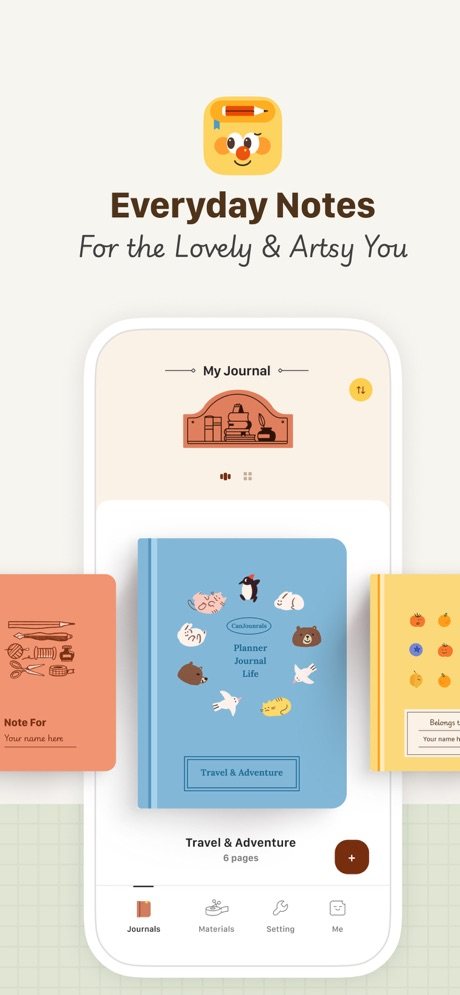
CanJournals is built phone-first, which already puts it ahead of most note apps for commuters. Opening it feels less like opening a productivity tool and more like opening a paper journal: warm colors, rounded corners, soft icons. I know that sounds cosmetic. It isn't. When you're tired, a screen that feels cold is one more reason not to write.
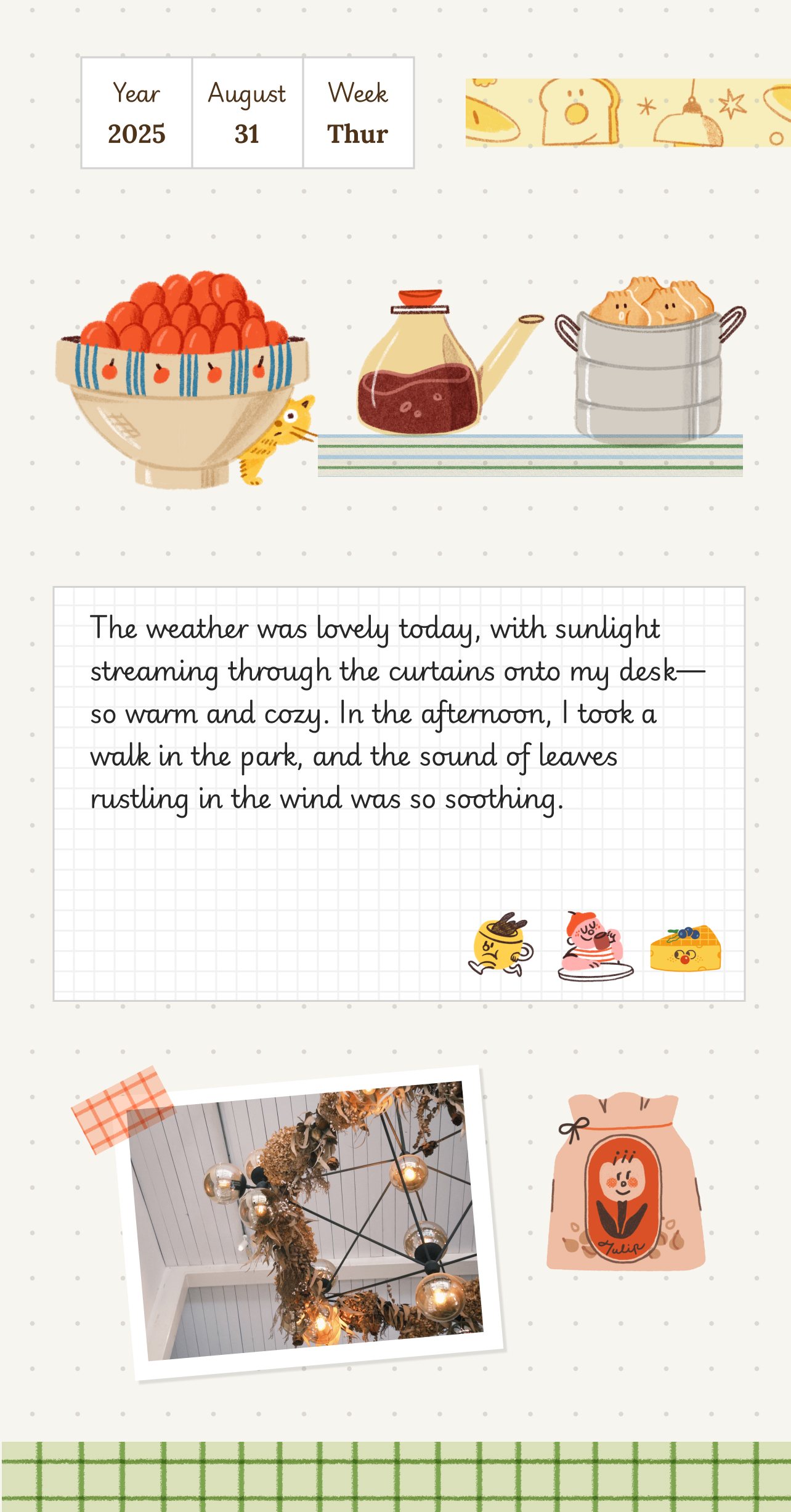
Under the soft surface it's a block editor, like Notion. Text, lists, images, and dividers are separate blocks you can drag around. So short train entries and longer Sunday write-ups both work without fighting the app.
The template center is the part I'd point office workers to first. There's an evening diary, weekly plan, and project tracking layouts, and picking one means you don't face an empty page at 11 p.m. On an iPad with a stylus you can handwrite parts of an entry too, which is a nice weekend mode.
It has a passcode lock, so a coworker borrowing your phone sees nothing. That alone rules out a lot of the competition.
For zero setup: Apple Notes
The notes app already on your phone deserves more respect than it gets. There is nothing to learn, nothing to configure. Sync works, search works, and you can lock individual notes.
The ceiling is low. No templates, no mood tracking, no structure. It's a plain text box, and after a few weeks of plain text boxes many people quietly stop. But if your resistance to journaling is "I don't want another app in my life", start here anyway. A boring tool you use beats a beautiful one you don't.
For quiet long-form: Day One
Day One is the closest thing to a dedicated writer's diary on this list. Clean editor, easy Markdown, reliable sync, and serious export options, so your entries stay yours. If your ideal evening entry is five unhurried paragraphs, this is the app for that.
Two honest caveats. The free version limits how many devices you can sync, so check that against what you own. And it's deliberately plain: no decoration, no stickers, no warmth. Some people find that calming. I find it a little like writing in an empty office after hours.
For building a whole system: Notion
Plenty of people run their entire journal in Notion: a database of entries, templates, monthly reviews, links between pages. If you enjoy setting that up, and some people genuinely do, the ceiling is as high as your patience.
The trap is that Notion rewards building the system more than using it. You can spend three evenings perfecting a journal template and write zero entries. The phone app has also always felt like a compromise. For a tired commuter, that combination is a real cost. If you want Notion-style blocks with less setup and a warmer feel, that's roughly where CanJournals sits.
How to choose
Warm, fast, and fits real life → CanJournals No new apps, no setup → Apple Notes Long quiet writing sessions → Day One You enjoy building the system itself → Notion
My actual advice: pick the one whose description made you feel something, use it for two weeks, and don't research further during those two weeks. Choosing an app is not a hobby. Two weeks of real entries will tell you more than any comparison table.
And if the habit keeps slipping even with a tool you like, the problem usually isn't the app. Lower the bar instead: three lines counts as an entry. We wrote a whole piece on keeping journaling going, and if looks matter to you as much as function, the companion piece to this guide is our cute note apps roundup.